From Spreadsheets to ERP: When Is the Right Time to Upgrade?
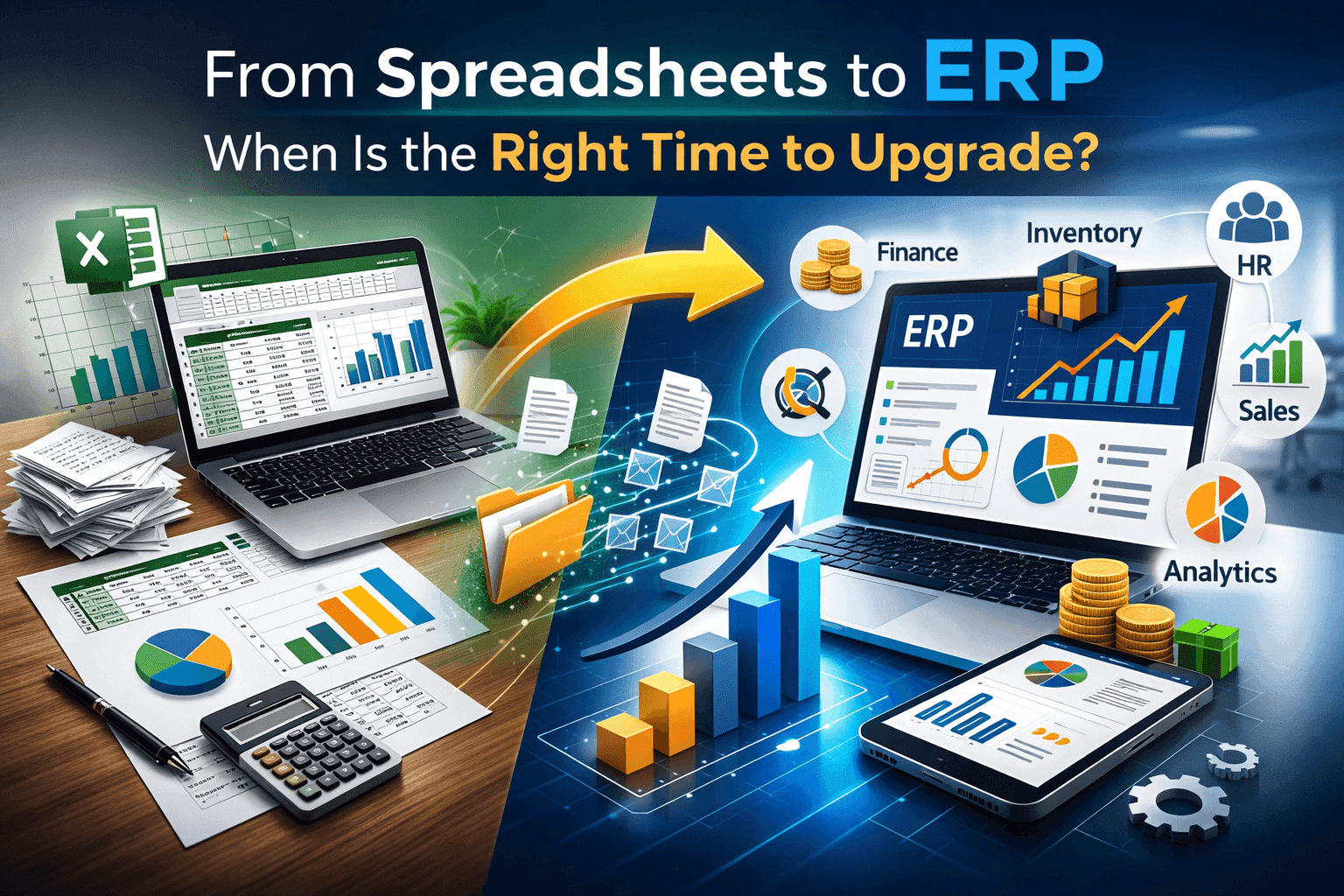
Introduction: Are Spreadsheets Holding Your Business Back?
For years, spreadsheets have been the backbone of small and mid-sized businesses. Tools like Excel feel comfortable, affordable, and flexible. But as your company grows, those same spreadsheets can quietly become your biggest operational risk.
If your team is spending more time fixing data errors than making strategic decisions, it may be time to consider an upgrade.
This guide explains:
- The limitations of spreadsheets in growing businesses
- Clear signs you need ERP software
- Benefits of switching to ERP
- How to transition smoothly
- Why modern ERP systems are essential for scalability
If you’re wondering when to move from spreadsheets to ERP, this article will help you decide confidently.
What Is ERP Software?
ERP (Enterprise Resource Planning) software is a centralized business management system that integrates core processes like:
- Finance and accounting
- Human resource management
- Inventory management
- Procurement
- Sales and CRM
- Payroll
- Reporting and analytics
Unlike spreadsheets, ERP systems connect departments into a single unified platform with real-time data access.
Learn more about our secure and scalable ERP solutions here: 👉 Enterprise Resource Planning
Why Businesses Start with Spreadsheets
Spreadsheets are popular because they are:
- Easy to use
- Low cost
- Flexible
- Familiar to most employees
In early stages, spreadsheets are enough for:
- Basic accounting
- Employee tracking
- Inventory logs
- Sales tracking
But problems begin when growth accelerates.
7 Warning Signs It’s Time to Upgrade from Spreadsheets to ERP
1. Data Errors Are Becoming Frequent
Manual data entry increases the risk of:
- Duplicate records
- Formula errors
- Version mismatches
- Missing data
If you're constantly auditing spreadsheets for mistakes, your system is no longer sustainable.
ERP systems eliminate manual duplication by centralizing data entry.
2. Multiple Versions of the Same File Exist
“Final_v2_latest_FINAL.xlsx”
Sound familiar?
When teams work on multiple spreadsheet versions, confusion becomes inevitable. This leads to:
- Incorrect reports
- Decision-making based on outdated data
- Delays in approvals
ERP software provides a single source of truth.
3. Reporting Takes Too Long
If generating monthly financial reports takes days instead of minutes, your system is slowing growth.
Modern ERP systems provide:
- Real-time dashboards
- Automated financial statements
- Custom KPI tracking
- Business intelligence insights
4. Your Business Is Growing Rapidly
Growth is good. But growth without systems is dangerous.
If you are:
- Hiring more employees
- Expanding to multiple locations
- Managing larger inventory volumes
- Handling more transactions
Spreadsheets won’t scale efficiently.
ERP software grows with your business.
5. Departments Work in Silos
When HR, Finance, Sales, and Operations use separate spreadsheets, collaboration suffers.
Common problems:
- HR payroll errors
- Inventory mismatch
- Sales and finance reconciliation delays
- Duplicate vendor records
Integrated ERP systems unify departments into one platform.
Learn how integrated HR solutions improve workforce management: 👉 Human Resource Management System
6. Compliance and Audit Risks Are Increasing
Spreadsheets lack:
- Audit trails
- Access control
- Data security layers
- Regulatory compliance tracking
For businesses in regulated industries, this is a serious risk.
- ERP systems provide:
- Role-based access
- Audit logs
- Automated compliance reporting
Secure cloud hosting
7. Decision-Making Is Based on Outdated Information
If leadership meetings rely on last month’s data, you’re already behind.
ERP systems provide:
- Live financial snapshots
- Real-time inventory levels
- Instant cash flow visibility
- Accurate forecasting tools
Data-driven decisions fuel growth.
The Hidden Costs of Using Spreadsheets
Many businesses hesitate to invest in ERP because spreadsheets appear “free.”
But consider the hidden costs:
- Employee time spent fixing errors
- Revenue loss from incorrect data
- Compliance penalties
- Operational inefficiencies
- Missed growth opportunities
Over time, spreadsheets become more expensive than ERP.
Benefits of Upgrading to ERP Software
✔ Centralized Data Management
No more scattered files. All data is stored in one secure system.
✔ Automation of Repetitive Tasks
ERP systems automate:
- Invoice generation
- Payroll processing
- Inventory updates
- Tax calculations
- Purchase order tracking
Automation reduces human error and saves time.
✔ Real-Time Reporting & Analytics
Get instant access to:
- Profit and loss statements
- Balance sheets
- Cash flow reports
- Inventory valuation
- Workforce analytics
Real-time visibility improves decision-making speed.
✔ Improved Productivity
Teams spend less time managing spreadsheets and more time driving growth.
✔ Better Customer Experience
With ERP integration:
- Orders are processed faster
- Inventory is updated instantly
- Billing is accurate
- Customer history is centralized
This increases customer satisfaction and retention.
Cloud ERP vs Traditional Systems
Modern businesses prefer cloud ERP systems because they offer:
- Lower upfront cost
- Remote accessibility
- Automatic updates
- Scalability
- Enterprise-grade security
If your workforce operates remotely or across locations, cloud ERP is essential.
When Is the Perfect Time to Upgrade?
There is no universal timeline, but generally, businesses should consider ERP when:
- Revenue is steadily increasing
- Team size exceeds 15–20 employees
- Transactions exceed 500+ per month
- Reporting delays impact strategy
- Manual processes dominate operations
The best time to upgrade is before operational chaos begins.
How to Transition from Spreadsheets to ERP Smoothly
Step 1: Audit Current Processes
Identify:
- Which spreadsheets are critical
- Which processes are manual
- Where errors frequently occur
Step 2: Define Business Requirements
Clarify:
- Modules needed (Finance, HR, Inventory)
- User access levels
- Integration requirements
Step 3: Choose the Right ERP Vendor
Look for:
- Industry expertise
- Customization options
- Local support
- Security certifications
- Scalable pricing
Step 4: Data Migration Planning
Clean and validate data before migration.
This ensures accuracy in your new system.
Step 5: Employee Training
ERP adoption success depends on user acceptance.
Provide:
- Hands-on training
- Clear SOPs
- Ongoing support
Common Myths About ERP Systems
Myth 1: ERP Is Only for Large Enterprises
Reality: Modern ERP solutions are designed for SMEs and startups.
Myth 2: ERP Is Too Expensive
Reality: The cost of inefficiency is higher.
Myth 3: Implementation Takes Years
Reality: Cloud ERP can be deployed in weeks.
Real-World Impact of ERP Implementation
Businesses that move to ERP often report:
- 30–50% reduction in manual workload
- 25% faster reporting
- Significant reduction in compliance risks
- Improved operational efficiency
ERP is not just software — it’s a growth engine.
Industries That Benefit Most from ERP
- Manufacturing
- Retail
- Healthcare
- Hospitality
- Construction
- Logistics
- IT Services
If your industry handles multiple workflows, ERP is a necessity.
Future-Proofing Your Business
The global business landscape is shifting toward:
- Digital transformation
- Automation
- AI-driven analytics
- Remote workforce management
Spreadsheets cannot support digital transformation at scale.
ERP systems are built for the future.
Final Thoughts: Is Your Business Ready?
If spreadsheets feel overwhelming, risky, or time-consuming, your business has outgrown them.
Upgrading to ERP is not about replacing Excel. It’s about building a scalable foundation for long-term success.
The right time to upgrade is before inefficiencies slow your growth.
If you're ready to streamline operations, improve accuracy, and unlock real-time insights, explore our ERP solutions today: